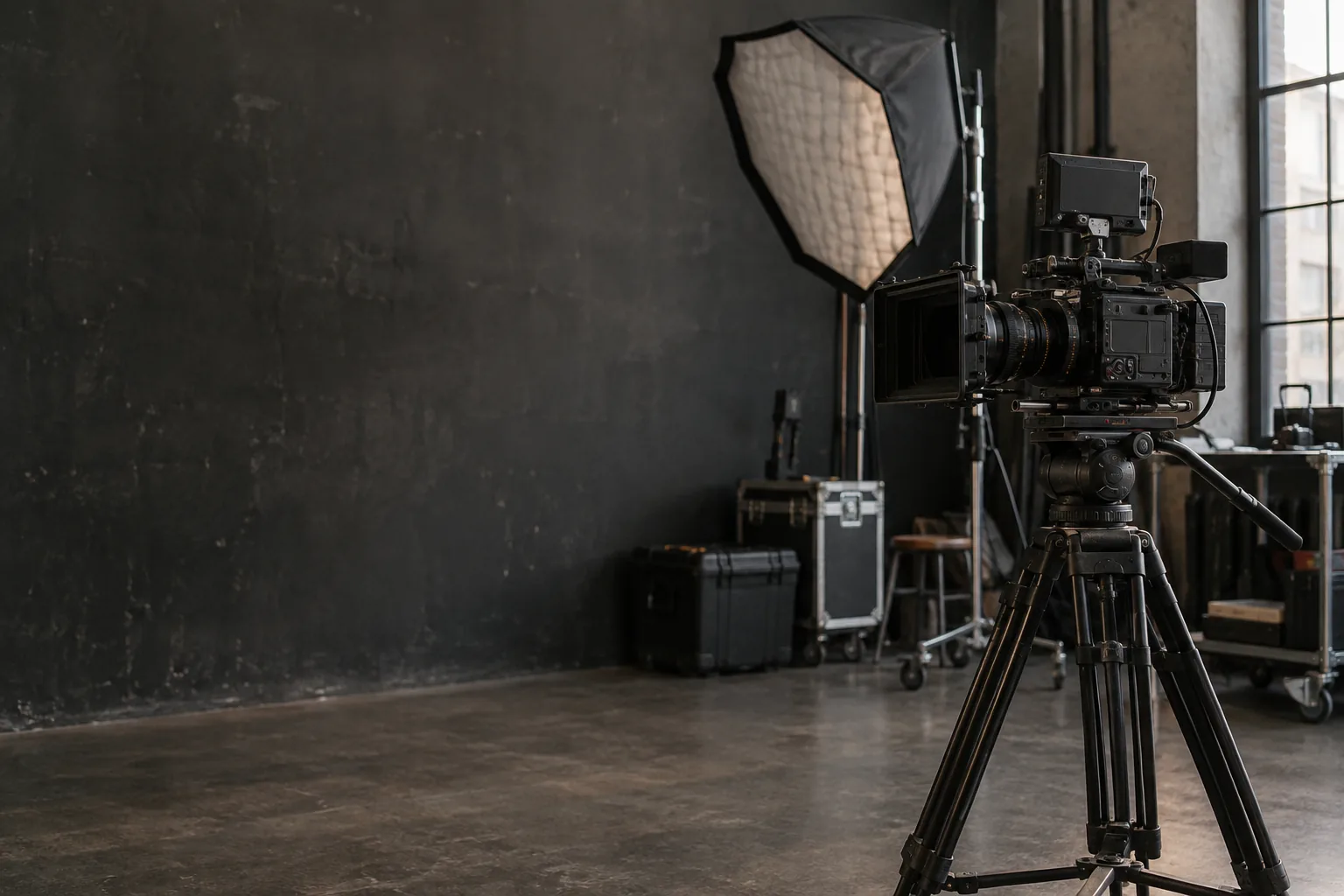
4K filming: calculate memory cards and backup storage
Estimate footage size at 100, 200 or 600 Mb/s and check recording media before renting a camera.

“4K” does not tell you how much storage a shoot needs. Bitrate, recorded duration and camera count matter. Before renting, confirm the exact camera and recording format.
Calculate footage size
Use decimal gigabytes: GB = bitrate in Mb/s × seconds ÷ 8 ÷ 1,000. One hour per camera therefore gives:
These are theoretical calculations, not guaranteed card runtimes. Variable bitrate, audio, supporting files and usable card capacity can change the result. Leave headroom and distinguish megabits from megabytes.
A two-camera example
Ninety recorded minutes at 100 Mb/s gives 67.5 GB per camera, or 135 GB for two cameras. Two full copies require at least 270 GB spread across two storage devices, before allowance for extra files and editing.
Two folders on one drive are not separate physical copies. Budget for exports, proxies and the editor’s working space as well. Write down your assumptions instead of relying on a universal “one terabyte per shoot” rule.
Check recording compatibility
Capacity alone is insufficient. Consult the exact camera manual for media type and write-speed requirements. The Sony ILCE-6500 manual, for example, requires U3 for recording at 100 Mb/s or above. Do not apply that model-specific requirement to every camera.
The ILCE-7M3 recording settings show different bitrates for different modes. Specify resolution, frame rate and codec when asking for cards. The advertised reading speed alone does not establish recording compatibility.
Ask before collection
Confirm the number and models of included cards, which recording mode was tested, and whether a suitable reader and cable are supplied. If you bring your own media, ask to test it at pickup. Agree on when cards must be returned and who holds the footage in the meantime.
Record and play back a sample in the intended mode. A short test does not establish that a camera can record a long conference without thermal or duration limits. Check those limits and test representative conditions beforehand.
Protect the footage at handover
Create folders by project, date and camera. Preserve the card structure where your editing software needs it. Verify complete copies using an appropriate verification tool; opening one clip does not validate every file. Keep original cards intact until the required copies are confirmed.
Agree on erasure before returning rented media. Do not hand over client footage by default. Formatting does not guarantee secure erasure; sensitive projects may need your own media or a client-approved process.
Is 128 GB enough for an hour?
The theoretical calculation is 45 GB at 100 Mb/s but 270 GB at 600 Mb/s. Check the selected mode, usable capacity and compatibility before deciding.
Compare LOCAM camera and accessory listings, then confirm the recording mode and media with the owner.