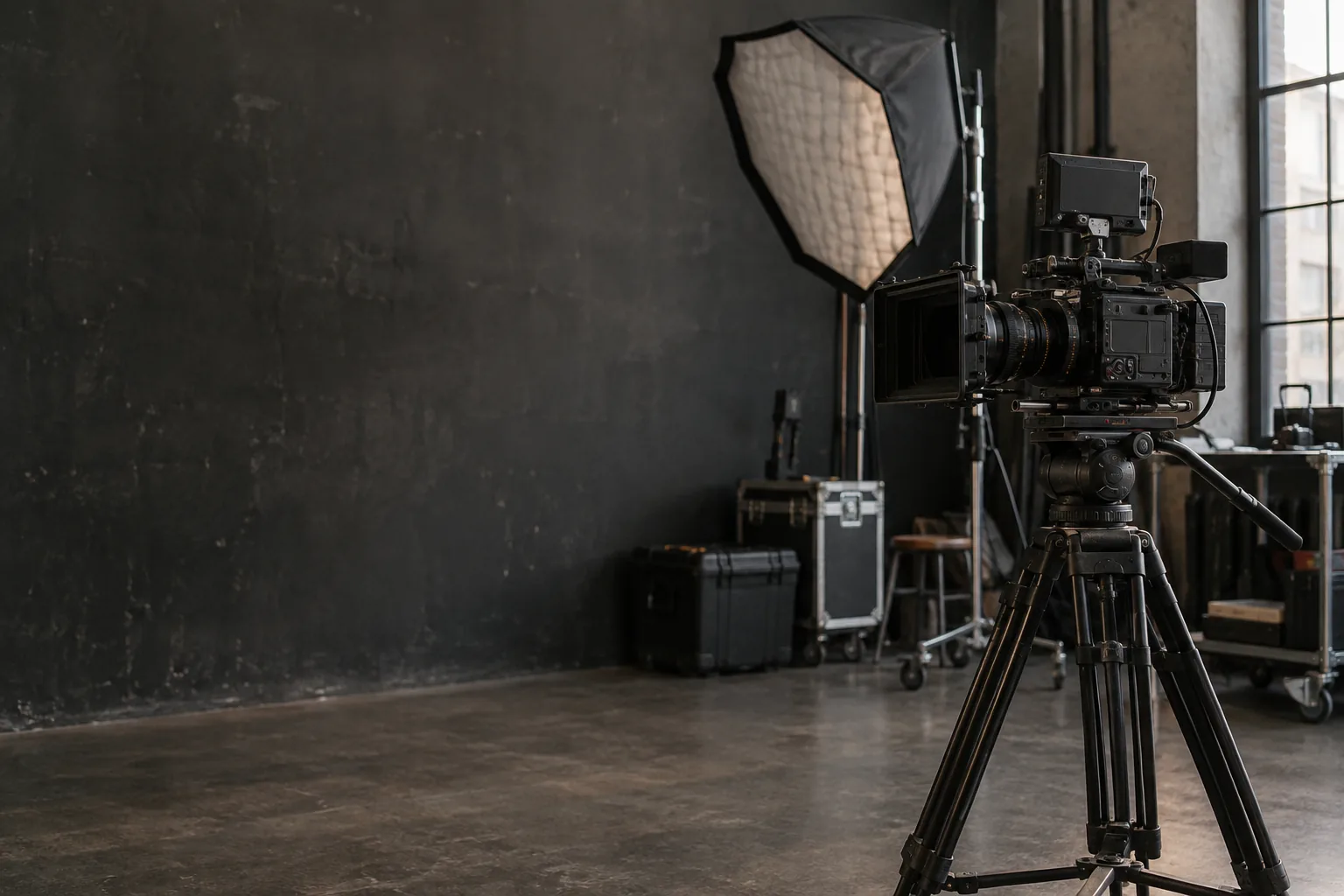
Live Streaming Gear: The Complete Guide
Camera, mic, capture card, lighting: the full streaming setup by budget, from beginner to pro.
Why Live Streaming Is Exploding in 2026
The global live streaming market hits $27 billion in 2025 and is projected to surpass $42 billion by 2032. In Canada, this growth drives massive demand for accessible equipment: Twitch streamers, YouTube Live creators, online educators, businesses broadcasting their events.
The problem? A pro streaming setup costs $2,000 to $8,000. The solution: rent your gear peer-to-peer on LOCAM.
Equipment by Budget
Beginner Setup (under $30/day)
Just starting out and want to test streaming without a big investment:
This setup works for gaming streams, Instagram Lives, or online courses. It won't look cinematic, but it will look clean and professional.
Intermediate Setup ($50-80/day)
You have an audience and want to level up:
This is the sweet spot for serious creators. Also check our podcast mic guide to optimize your audio setup.
Professional Setup ($100-200/day)
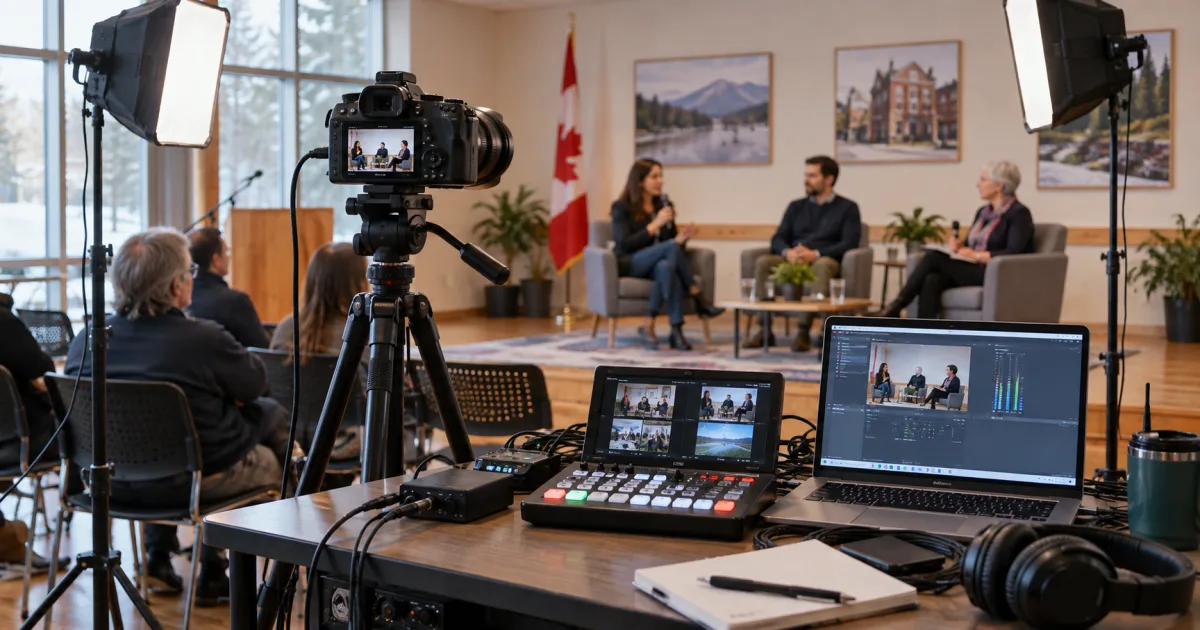
For live productions, conferences, and broadcast events:
For events also requiring sound reinforcement and staging, check our event AV rental guide.
Camera and Video: Streaming Essentials
Webcam vs Dedicated Camera
The rule is simple: a webcam works for video calls and casual streaming. Once your audience exceeds a few hundred viewers or your content is your livelihood, switch to a real camera.
The difference? The sensor. A mirrorless camera captures 10 to 20 times more light than a webcam, delivers natural bokeh, and handles low-light conditions far better.
The Capture Card
This is the component beginners consistently forget. Without a capture card, there's no way to connect an HDMI camera to your computer for streaming. The Elgato Cam Link 4K remains the go-to, but alternatives like the AverMedia Live Gamer exist.
Audio: Investment #1
Viewers forgive average video, never bad audio. According to Twitch data, streamers with quality mics see 3x higher retention than those using built-in webcam mics.
USB vs XLR
If you're unsure, rent an XLR setup for a month. If the difference convinces you, invest. If not, USB will do. That's the test-before-you-buy principle.
Lighting: The Real Difference Maker
Good lighting transforms an amateur stream into a professional production, even with a basic webcam.
Ring Light vs LED Panel
For under $20/day, rent a 2-panel LED kit and you'll see a dramatic difference in your image quality.
Internet Connection: The Forgotten Factor
All the gear in the world means nothing with an unstable connection.
| Quality | Minimum Upload Speed |
|---|---|
| 720p 30fps | 3 Mbps |
| 1080p 30fps | 6 Mbps |
| 1080p 60fps | 9 Mbps |
| 4K 30fps | 20 Mbps |
Always prefer a wired (Ethernet) connection over Wi-Fi. A simple $15 cable can solve 90% of stream issues.
Streaming Budget: Rental vs Purchase
| Setup | Purchase | Rental/month |
|---|---|---|
| Beginner | $800 | ~$180 |
| Intermediate | $3,000 | ~$480 |
| Professional | $8,000 | ~$900 |
For a detailed calculation for your situation, use our rental vs purchase ROI guide.
FAQ
What's the best mic for streaming?
The Shure SM7B remains the gold standard. For tighter budgets, the Rode PodMic or HyperX QuadCast offer excellent value.
Do I need a capture card for streaming?
Only if you're using an HDMI camera. With a USB webcam, it's unnecessary.
How much does a complete streaming setup cost?
Between $800 (beginner) and $8,000 (pro) to purchase. Renting on LOCAM: between $180 and $900/month.
Find Your Streaming Gear on LOCAM
Browse cameras, capture cards, and mics available near you. All owners are verified, payment is secured through Stripe, and you can test before you buy. Check our pricing plans to get started.