Home Studio Setup: The Rental Guide
Audio interface, mic, monitors, acoustic treatment: build your recording studio without investing thousands of dollars.
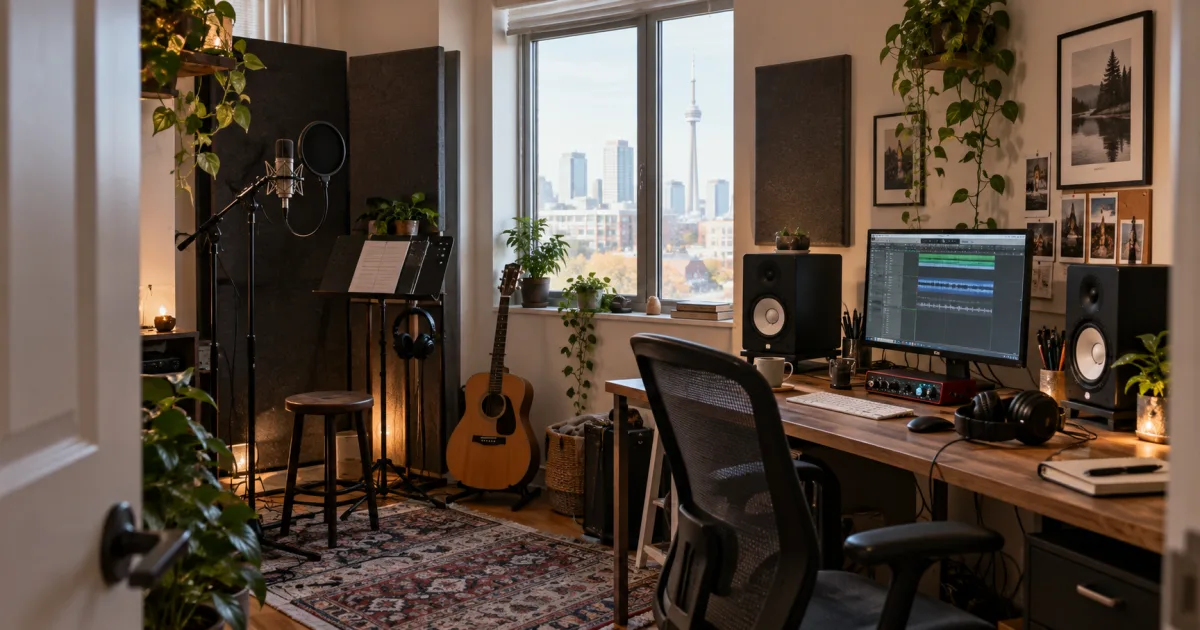
Music Production Has Never Been More Accessible
In 2026, independent artists are releasing entire albums from their bedrooms. DAWs like Logic Pro, Ableton Live, and Reaper offer tools that rival professional studios from 10 years ago.
But equipment still costs serious money. A complete home studio runs between $2,000 and $10,000. The weak Canadian dollar (around 72 cents US) makes imported gear even pricier.
The solution? Rent your studio gear for the duration of your project, test different configurations, and only buy what becomes essential for daily use. That's the principle behind our rental vs purchase guide.
The 6 Pillars of a Home Studio
1. The Computer (the only thing you should own)
This is the foundation. In 2026, minimum specs for music production:
The computer is the only piece of equipment you should own. Everything else can be rented.
2. The Audio Interface
This is the bridge between your mics/instruments and your computer. Preamp and converter quality make all the difference.
3. Microphones
Mic choice depends on what you're recording.
Condenser (vocals, acoustic guitar, delicate instruments):
Dynamic (powerful vocals, guitar amps, drums):
For more mic details, check our podcast guide which covers audio options in depth.
4. Studio Monitors
Monitoring speakers reveal the truth of your mix. Hi-fi or Bluetooth speakers color the sound and hide flaws.
Place them in an equilateral triangle with your listening position. That's monitoring rule #1.
5. Monitoring Headphones
Essential for recording (preventing bleed) and late-night mixing.
6. Acoustic Treatment
This is beginners' #1 mistake: investing in high-end gear in an untreated room. A $5,000 mic in a reverberant bedroom will sound worse than a $200 mic in a properly treated space.
Equipment by Style
Electronic Production / Beatmaking
Voice / Vocal Recording
Instrument Recording
Home Studio Budget: Rental vs Purchase
| Item | Purchase | Rental/month |
|---|---|---|
| Audio interface | $200-1,500 | ~$60-150 |
| Microphone | $200-4,500 | ~$30-240 |
| Monitors (pair) | $400-2,000 | ~$45-90 |
| Headphones | $150-500 | ~$30-60 |
| Acoustic treatment | $300-800 | ~$75 |
| Total intermediate setup | ~$3,500 | ~$400 |
5 Mistakes to Avoid
FAQ
What's the minimum budget for a home studio?
Purchasing: about $1,500 for a functional beginner setup. Renting on LOCAM: about $200/month.
Which audio interface should beginners choose?
The Focusrite Scarlett 2i2 remains the reference. 2 inputs cover 90% of home studio needs.
Is acoustic treatment necessary?
Yes, absolutely. It matters more than your mic quality. Even a few absorption panels make an enormous difference.
Find Your Studio Gear on LOCAM
Browse audio interfaces, mics, and monitors available near you. Test pro gear without buying it, find your sound, and invest with confidence. Check our pricing plans to get started.